Bufete360 Overview
What the platform does, how firm work is organized, and what you'll see on the dashboard when you sign in.
Last updated:
Bufete360 is a SaaS legal management system built for small and mid-size law firms. It centralizes clients, matters, court cases, documents, deadlines, billing, payments, trust accounts, remote and in-person consultations, WhatsApp communications, electronic signatures, AI assistance, and firm administration into a single environment. The goal is for the team to work without jumping between five tools and without losing information in stray emails or local folders.
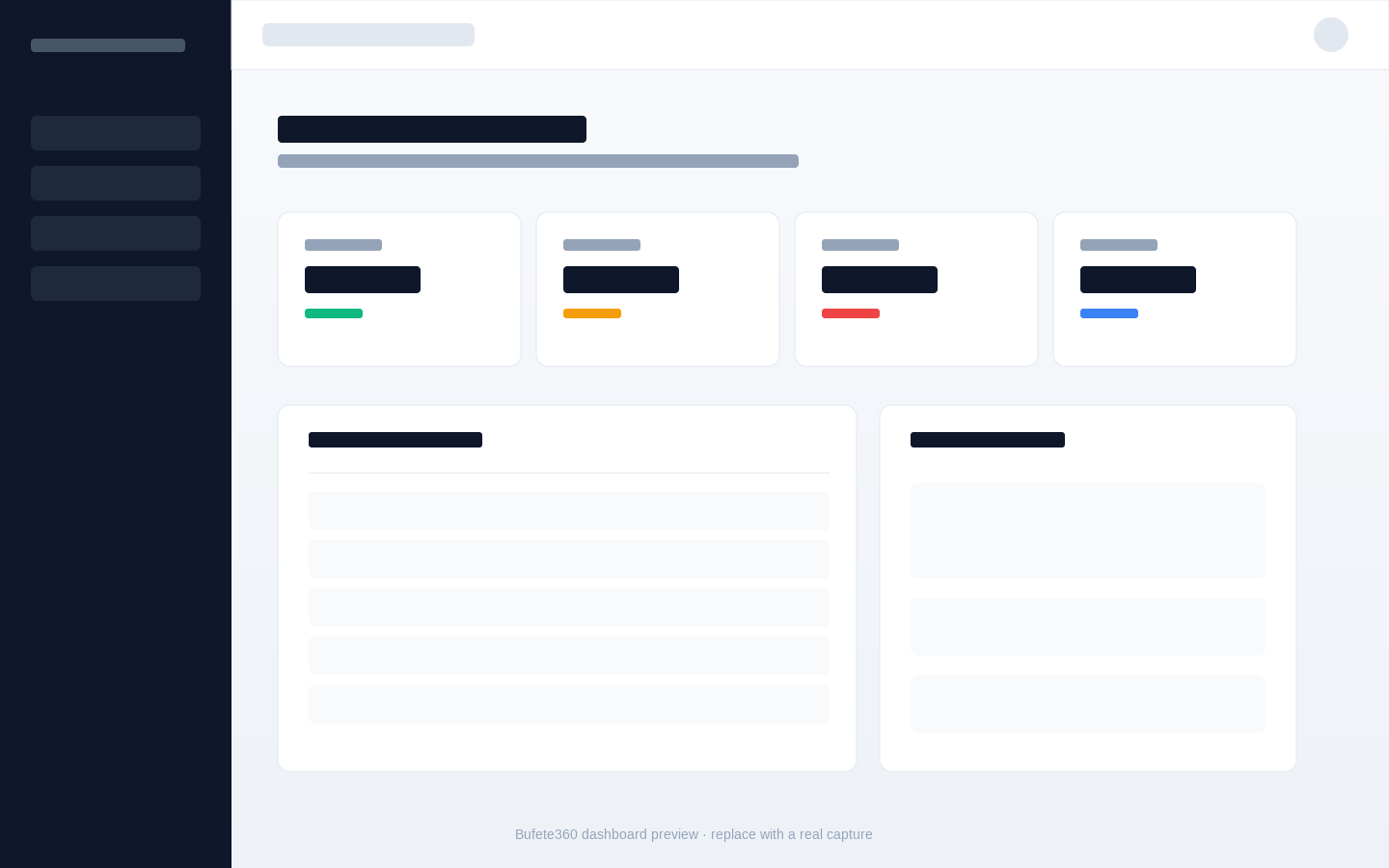
What you'll find on the main dashboard
The dashboard (/dashboard) is the home page. It pulls data from several modules so any lawyer or firm admin can see, in less than a minute, what needs attention today.
| Panel | What it shows | | --- | --- | | Matter overview | Counts of active, closed, and pending matters. | | Matter statistics | Distribution by status and by priority, in chart form. | | Upcoming deadlines | Deadlines due within the next 14 days. | | Overdue deadlines | Deadlines past their due date and still open. | | Locked matters | Matters the system locked for missing a critical deadline. | | Recent matters | The last 5 matters sorted by most recently updated. | | Recent activity | Your last 8 events at the firm (matter created, status changed, document uploaded, deadline created, etc.). | | Storage usage | How much space the firm's documents occupy. |
The six main work areas
Bufete360 is organized into six big blocks. Knowing them helps you decide where to go when a new task comes in.
| Block | Covers | | --- | --- | | Clients | People and companies: registration, contacts, internal notes, conflict checks, tags for automated workflows, client financial summary. | | Matters and cases | The client legal engagement and the court or administrative proceedings inside it. Includes deadlines, assigned team, parties, time tracking, and the legal library in context. | | Documents | The firm file room: upload, versions, folders, controlled share links, retention, legal hold, electronic signatures, templates with variables. | | Finance | Billing, payments via multiple methods, per-client trust accounts, expenses, refunds, firm subscription, and financial operations (FinOps). | | Collaboration | Video and in-person consultations, public booking links, WhatsApp inbox, messaging integrations (Slack, Microsoft Teams). | | Administration | Firm profile, team and roles, security, integrations, general settings, AI, subscription plan, and data subject rights (GDPR). |
Concepts worth understanding from day one
Before operating, three concepts that show up across the system are worth getting clear.
Matter vs. case
A matter represents the engagement with the client: the relationship, the team, the billing. A case represents a specific proceeding — court, administrative, registry — inside that matter. One matter can hold several cases: for example, first instance and appeal live inside the same matter as separate cases. That distinction is what keeps work organized when a single client relationship spawns multiple proceedings.
Matter deadlines vs. calendar events
The system distinguishes between deadlines (attached to the matter, with procedural type and calculation rules) and calendar events (internal appointments, meetings). Critical deadlines should never live only in a single lawyer's personal calendar: if that person is out, nobody else sees it.
Client funds vs. firm revenue
Trust accounts keep the client's money separate from the firm's revenue. Mixing the two is not a minor accounting detail: in many jurisdictions it has serious regulatory consequences. Bufete360 manages those two universes in distinct modules on purpose.
How the workflow connects
The typical path starts with a client and ends with a collection. Knowing this path helps you understand why each module exists and where it fits.
Register the client
Create the record with type (individual or company), contact details, and, when applicable, a conflict check. If the client came in via WhatsApp, the inbox lets you convert them to an active client while preserving the data already collected.
Open the matter
Create the matter with responsible lawyer, practice area, matter type, priority, and known deadlines. On creation, the system generates default document folders: Pleadings, Discovery, Correspondence, Evidence.
Work the matter
Upload documents to the folders, log billable time, record hearings as matter deadlines, add parties (client, opposing party, third parties, experts, witnesses), and leave internal notes. If the AI add-on is enabled, you can generate drafts and summaries from inside the matter itself.
Bill and collect
Turn approved time and expenses into an invoice. Send it to the client with a multi-provider payment link (card via Stripe, Tigo Money, Claro Pay, or bank transfer with instructions). Apply trust funds to the invoice when the client has a retainer.
Close and archive
When the work concludes, close the matter. When it no longer has frequent reference, archive it. The system maintains retention and traceability even after archival.
Who this manual is for
It is written for firm users: partners, lawyers, paralegals, legal assistants, and administrative staff. It does not document internal APIs or technical project files.